Editing tasks
(Companion mode — every edit is written through TaskNotes.)
The Gantt is a real editor, not just a viewer. You can edit tasks two ways: through TaskNotes' own UI from the bars, and inline in the grid.
Bars behave like TaskNotes task cards
- Click a bar to select it; clicking it again (or double-clicking) opens the note or TaskNotes' edit modal, honoring your TaskNotes single-/double-click settings.
- ⌘/Ctrl-click opens the note in a new tab.
- Right-click a bar for TaskNotes' own task context menu — change status, priority, contexts, tags, dates, and more, using the exact same UI as everywhere else in TaskNotes.
Because these use TaskNotes' native surfaces, edits behave identically to editing a task anywhere else.
Inline editing in the grid
Edit a task's properties without leaving the timeline:
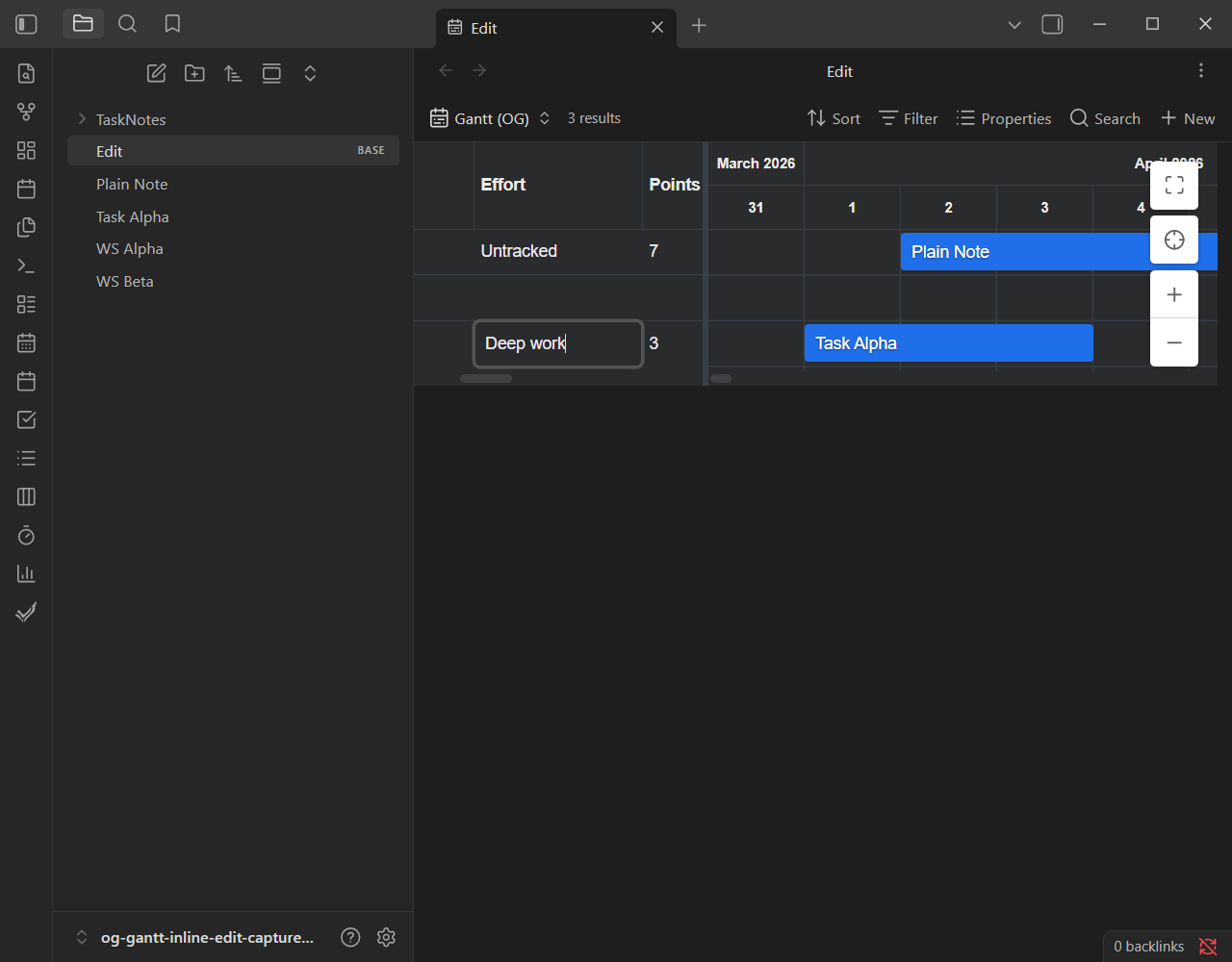
- Double-click a grid cell, or select it and press F2, to edit.
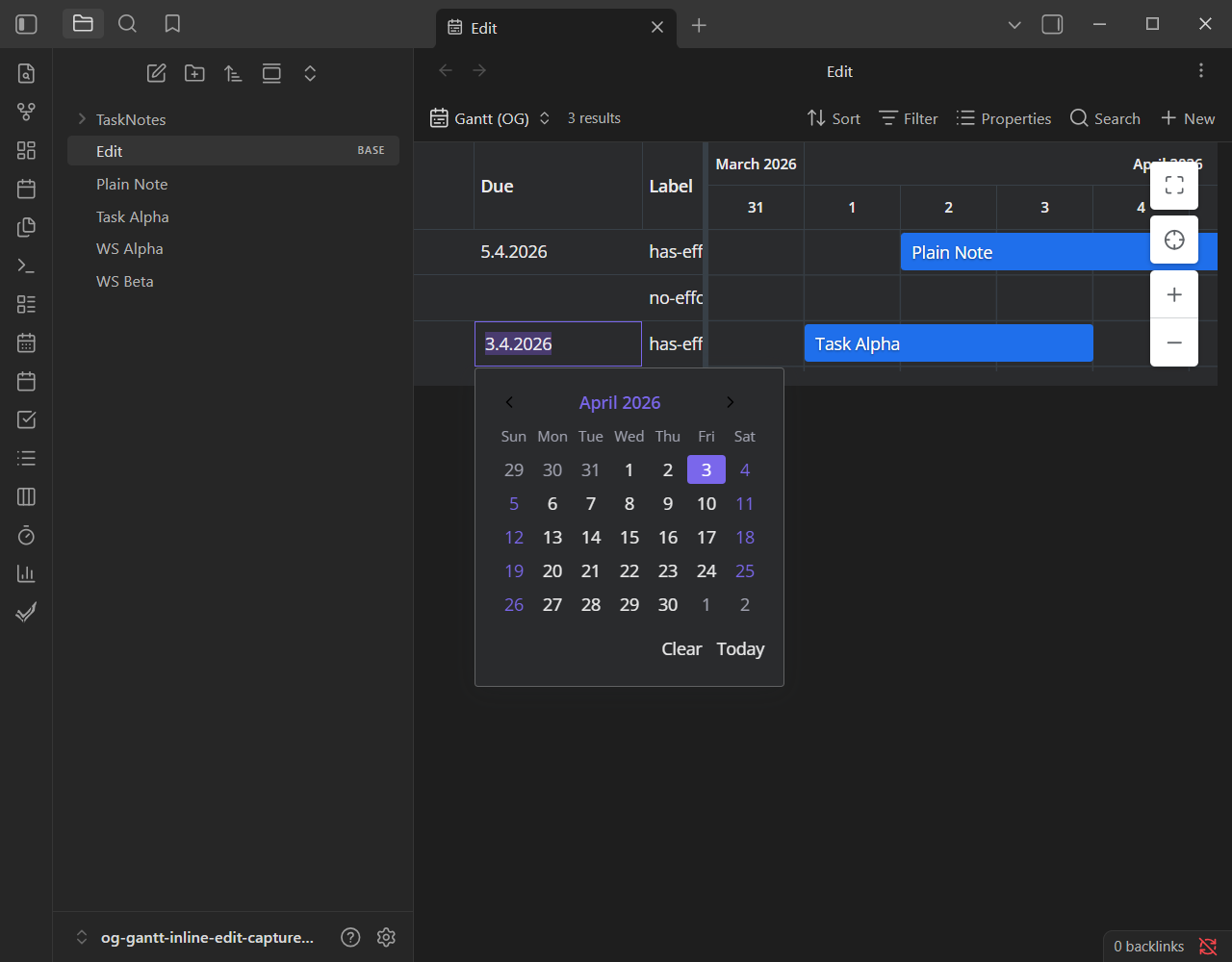
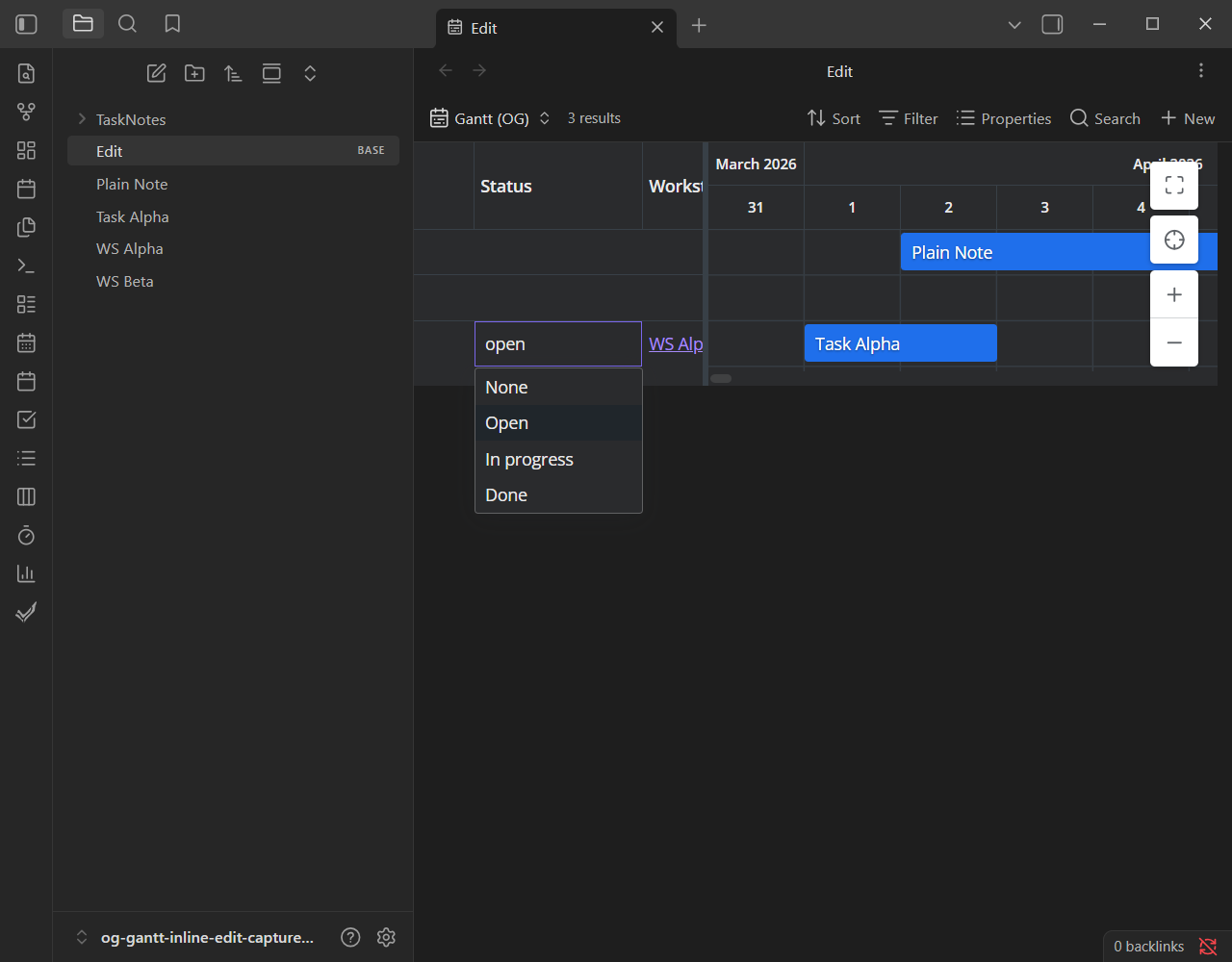
- Editors are type-aware — text, numbers, a true/false picker, locale-aware dates (with a calendar dropdown), status, priority, and multi-value list fields.
- Property cells render as real Obsidian markdown, so wikilinks are clickable and tags show as pills.
Every inline edit is written through TaskNotes.
| Editing a cell | Date editor | Status picker |
|---|---|---|
 |
 |
 |
Progress
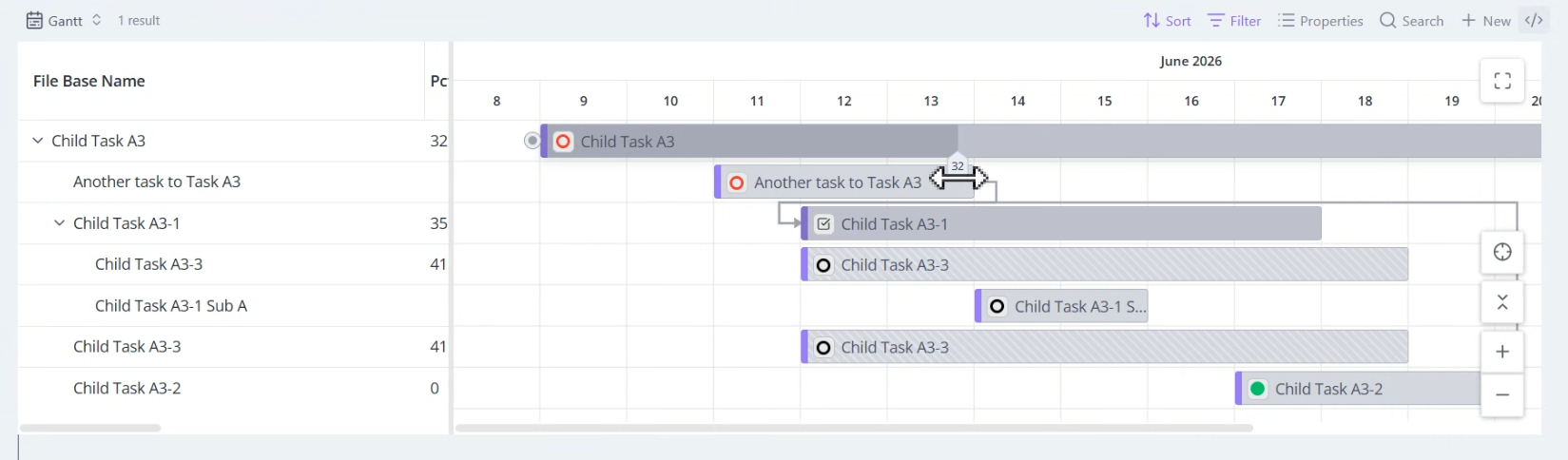
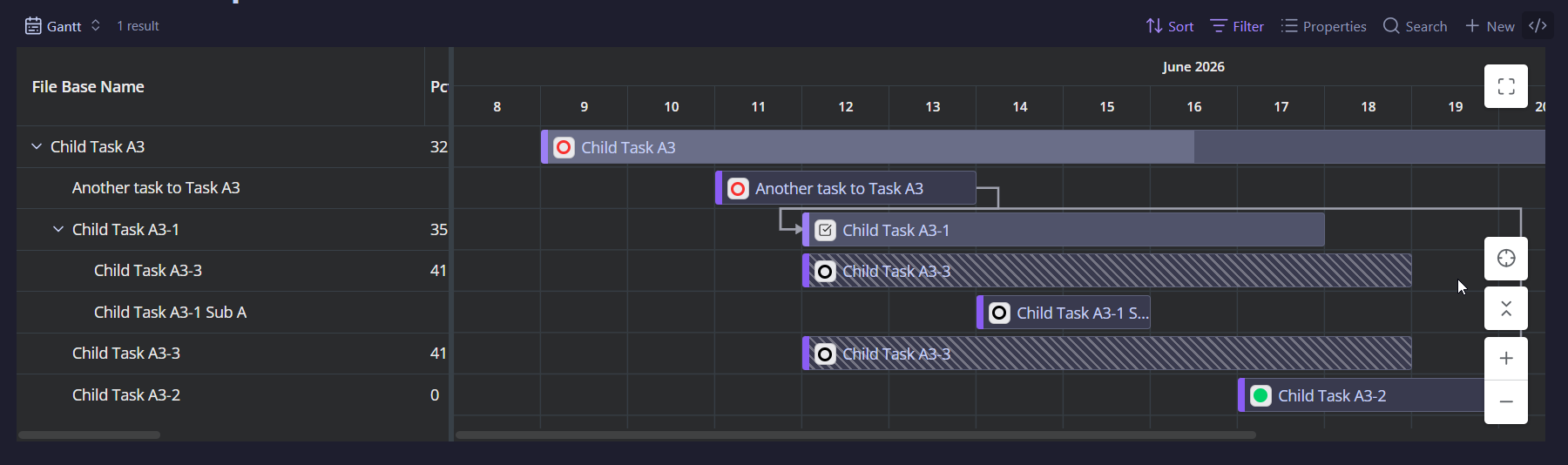
If a task has progress, the bar can show it — either the completion TaskNotes computes from a checklist, or a numeric property you map. In property mode you can drag the progress handle to write the value back. See Settings → Progress.
| Light theme | Dark theme |
|---|---|
 |
 |